How to Merge Photos into an HDR Image Online (Free HDR Tool)
High dynamic range (HDR) photography blends several exposures of the same scene into one image that keeps detail in both the shadows and the highlights. With our free online HDR tool you can merge three bracketed photos into a single balanced result — no software required.
What is an HDR image?
A camera can only capture a limited range of brightness in a single shot. Point it at a bright window and the room goes dark; expose for the room and the window blows out to white. HDR solves this by combining several photos of the same scene taken at different exposures, so the final image keeps detail across the whole brightness range — from deep shadows to bright skies.
How the HDR merger works
The tool uses exposure bracketing: three photos of the same scene, one darker, one normal and one brighter. The three source frames below were each taken with a different exposure time:
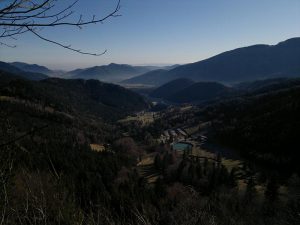
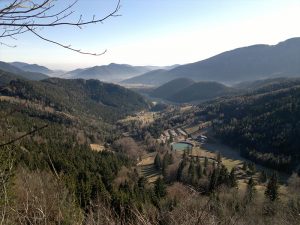
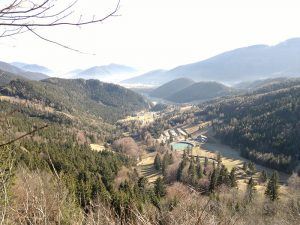
After merging the three exposures, the tool produces a single, well-balanced HDR image:
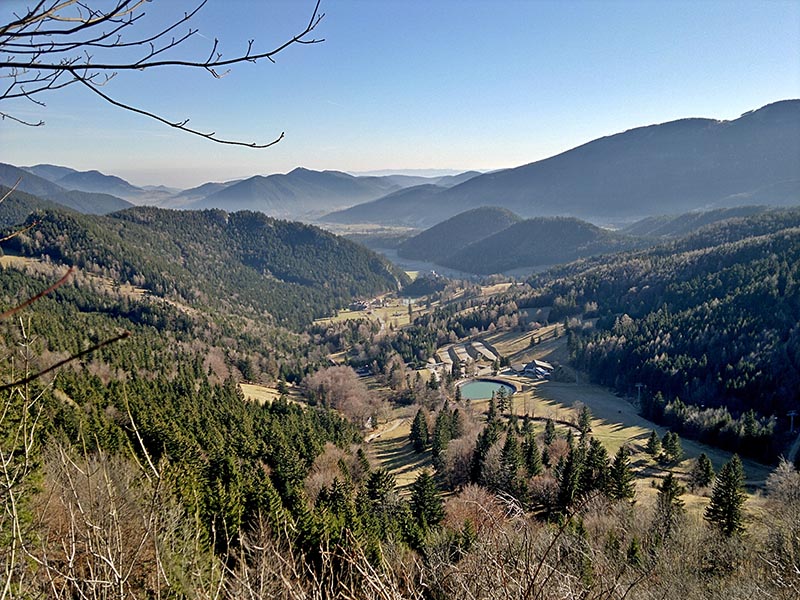
How to create an HDR photo online
Take (or choose) three differently exposed photos of the same scene with the same framing, then open the free HDR merger, select your three images, and optionally enable image alignment if they were shot handheld. The tool returns one merged HDR image to download. For best results the source images should have the same dimensions, and a tripod helps keep the frames aligned.
The online version is intentionally simple, with a maximum resolution of 2048 pixels and support for exactly three input images, which makes it quick and easy for everyday use.
Frequently asked questions
How many photos do I need to create an HDR image?
Exactly three: one underexposed, one normally exposed and one overexposed photo of the same scene. They should share the same dimensions for the best result.
Do the photos need to be perfectly aligned?
Ideally yes — a tripod keeps the frames matched. If you shot handheld, enable the image-alignment option, which tries to correct small differences between the frames.
What file formats can I use?
Standard JPG photos work well. Use three images of the same scene captured at different exposure times (exposure bracketing).
Is the HDR tool free?
Yes. It runs in your browser, free, with no signup and nothing to install. The online version is limited to 2048 pixels and three input images.